Today, think of…
Three food groups worth adding today, a different mix each day. Over a week they cover them all. Nothing to tick off.
Free plant-based food app
A calm, simple food app. One good idea for your next meal, and a gentle reminder of the foods worth eating most days. Nothing to count, nothing to log.
No ads · No subscription · No sign-up
No ads
Nothing to scroll past on the way to dinner.
No subscription
Every feature is free, for everyone.
No counting
No calories, no food diary, no daily pressure, no guilt.
No sign-up
Open it and look. Nothing leaves your device.
Look inside
Features
LeafUp doesn’t ask what you ate. It helps you add something good to what you already like.
Three food groups worth adding today, a different mix each day. Over a week they cover them all. Nothing to tick off.
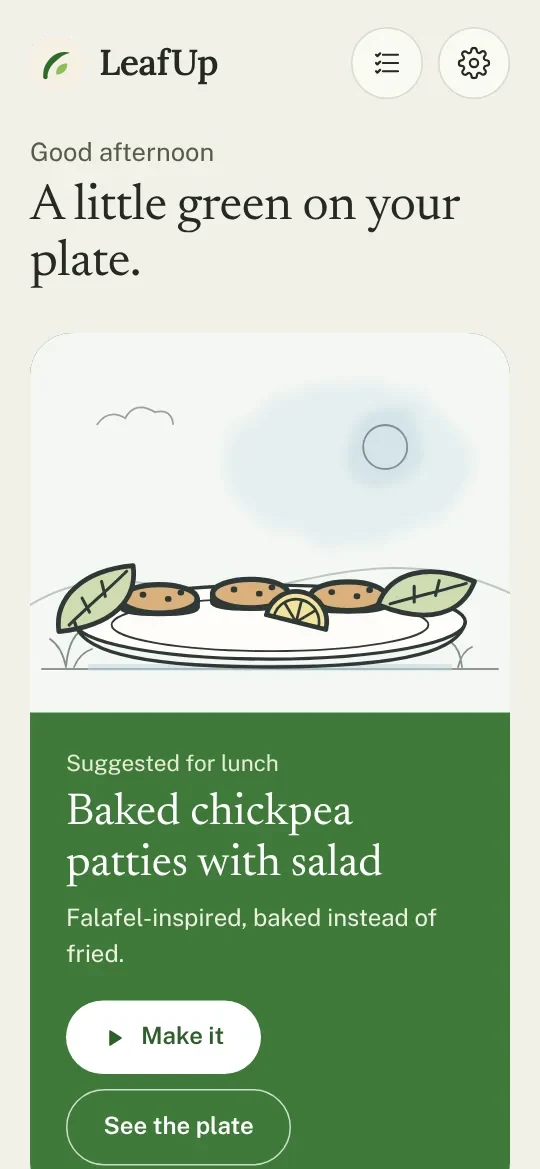
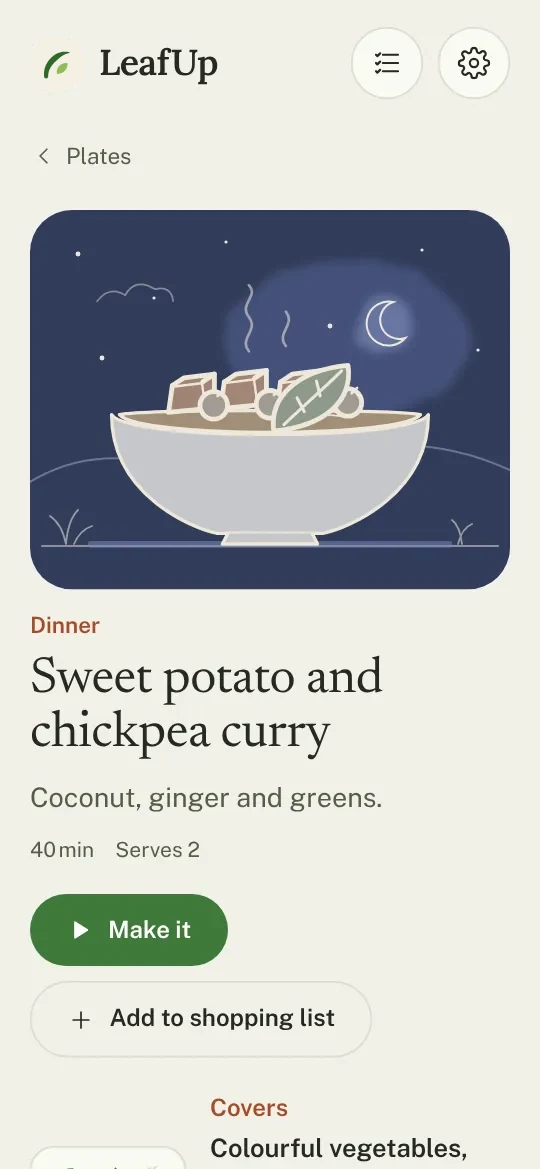
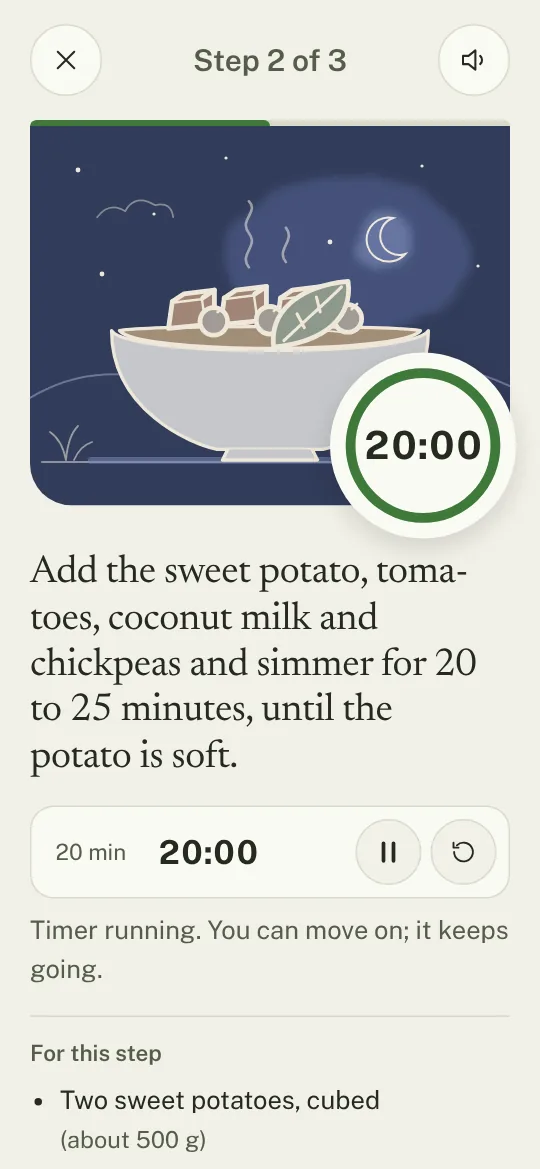
Everyday dishes from around the world for any time of day. Tap “Make it” and cook one calm step at a time, with gentle timers.
Eight kinds of plant food and water: what each one gives you, and easy ways to add it to a meal you already make. Plus simple basics, from cooking lentils to making your own tofu.
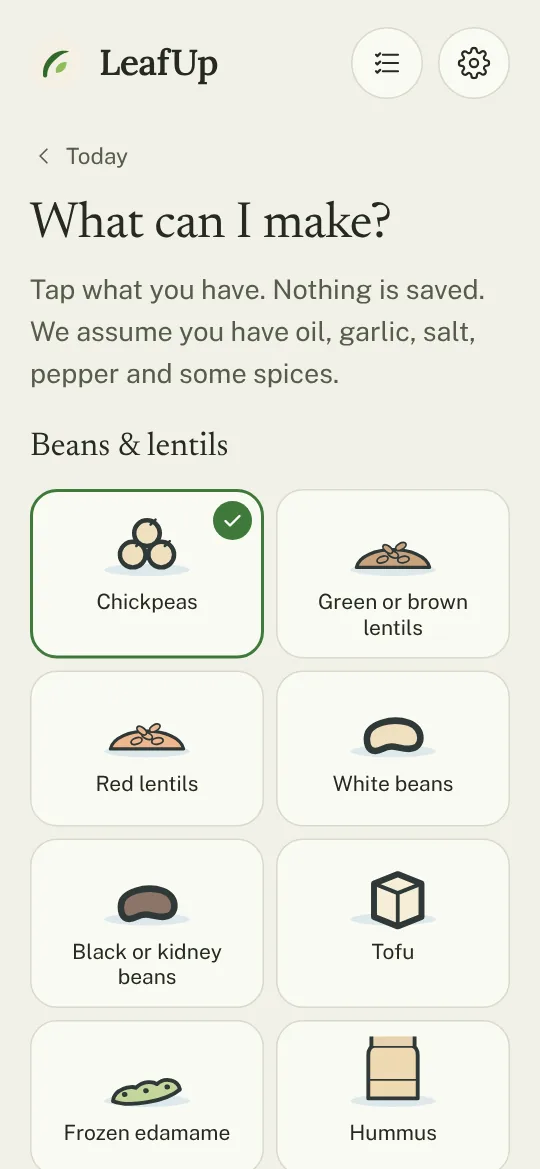
Tap what you have in the cupboard and see which plates fit, or which need just one more thing. Nothing is saved.
Ideas for the coming days, all on one shopping list. Add anything else you need, even coffee or toothpaste, tick things off in the shop and share the list with your household. Plus a pantry guide to what’s worth keeping at home.
Every plate is made from plants, with a clear note on vitamin B12. No sign-up and no tracking: your list and food needs stay on your device. In seven languages, works offline once installed and follows your device’s light or dark mode.
Food guide
LeafUp follows what the world’s largest nutrition studies agree on, from the WHO and the Global Burden of Disease study to the EAT-Lancet Commission: plenty of vegetables and fruit, beans and lentils, wholegrains and a small handful of nuts most days. Those three bring the biggest gains in the research. LeafUp shows them as gentle ideas, never as a score.
Install
LeafUp runs in your browser. Install it once and it opens like any other app, full screen, with its own icon.
FAQ
Yes. Every feature is free for everyone. There are no ads, no subscription and nothing to buy.
No. LeafUp doesn’t count calories, track your weight or promise weight loss. It gives simple ideas for adding good food to the meals you already enjoy.
No. There is nothing to log and nothing to tick. Open LeafUp when you want an idea, and close it when you have one.
Yes. Every plate is made from plants. LeafUp also explains the one thing plants don’t give you, vitamin B12, and the few nutrients worth a little planning.
No. Open it and look. Your shopping list and food needs are saved only on your device and never sent to us.
Yes. Once you have opened LeafUp, it keeps working without an internet connection.
Any recent browser on Android, iPhone, iPad or computer. You can add it to your home screen so it opens like an app.
LeafUp gives general guidance for adults and is not medical or dietary advice. If you have a health condition, are pregnant, take blood thinners or have allergies, ask your doctor or a dietitian first.
LeafUp shows a short note when you first open it, and specific notes where a food needs care, for example during pregnancy, with blood thinners, kidney disease, coeliac disease or allergies, and how to get vitamin B12 when you eat only plants. In Settings, you can choose ingredients you avoid, such as gluten, peanuts, tree nuts, soy, sesame or fava beans: LeafUp then adapts the recipes or leaves them out. It offers general guidance and is not medical advice.